Enterprise document management solutions are the systems built to capture, store, secure, and manage a company's most critical business documents. Think of them as a central command center that transforms scattered files into a controlled, searchable, and incredibly valuable asset.
This is how businesses move from digital chaos to strategic control.
From Digital Chaos to Strategic Control
Picture it: your company's most important information is spread thin across a messy digital landscape. Contracts are buried in old email threads, invoices are sitting on someone's local hard drive, and project plans are lost in forgotten cloud folders.
This isn't just an inconvenience. It actively slows down your entire operation, creates massive security risks, and makes compliance a total nightmare.
That's the exact problem enterprise document management solutions were designed to fix. They act as the central nervous system for your company’s information, turning static files into intelligent, strategic assets. Instead of a messy digital warehouse, you get a structured, secure library where every document has a purpose and a place.
The Driving Forces Behind Modern Document Management
The move toward these powerful systems isn't happening by accident. It's driven by urgent business needs that have become impossible to ignore. Today’s work environment—with remote teams and global collaboration—demands instant and secure access to information from anywhere. Without a central system, teams are left trying to build a puzzle with half the pieces missing.
A few key factors are pushing this transition forward:
- The Rise of Remote and Hybrid Work: Distributed teams can't exactly rely on a physical filing cabinet. An EDMS provides a single source of truth that authorized users can access, no matter where they are.
- Intensifying Compliance and Security Demands: Regulations like GDPR and HIPAA have strict rules for handling data. An EDMS automates retention policies and provides detailed audit trails, making compliance something you can actually manage.
- The Need for Operational Efficiency: How many hours do your employees waste just trying to find a document? A well-organized system with powerful search reclaims that lost time, boosting productivity across the board.
The growth of this technology really tells the story. The market for these systems was valued between $6.53 billion and $7.42 billion in 2024, and it's projected to skyrocket as high as $70 billion by 2034. This boom is all about the push toward paper-free offices and the absolute necessity of meeting regulatory standards. You can read the full research on EDMS market growth on archivemarketresearch.com.
This diagram breaks down the core functions that turn a simple file into a managed, strategic document.
The system captures, indexes, stores, and secures documents, making them easy to find while controlling who gets access. These are the foundational steps to building a truly organized digital workplace. For some practical tips on getting started, check out our guide on how to organize PDFs and other files effectively.
Understanding Your Document Management Toolkit
Let’s be honest, calling an enterprise document management solution a "digital filing cabinet" is like calling a smartphone a "pocket calculator." It’s technically true, but it misses the entire point. These systems are powerful engines built to inject order, intelligence, and speed into your company’s information.
To really get why they're so essential, you have to look under the hood. Each feature is a specialized tool designed to solve a specific—and often expensive—business headache. Think of it like a pro mechanic's toolkit. You wouldn't use a wrench to hammer a nail, right? An EDMS gives you a whole suite of precise instruments to manage a document’s entire life, from the first draft to its final, secure archive.
This image shows how a document goes from being just another file to a smart asset that helps you make better decisions.
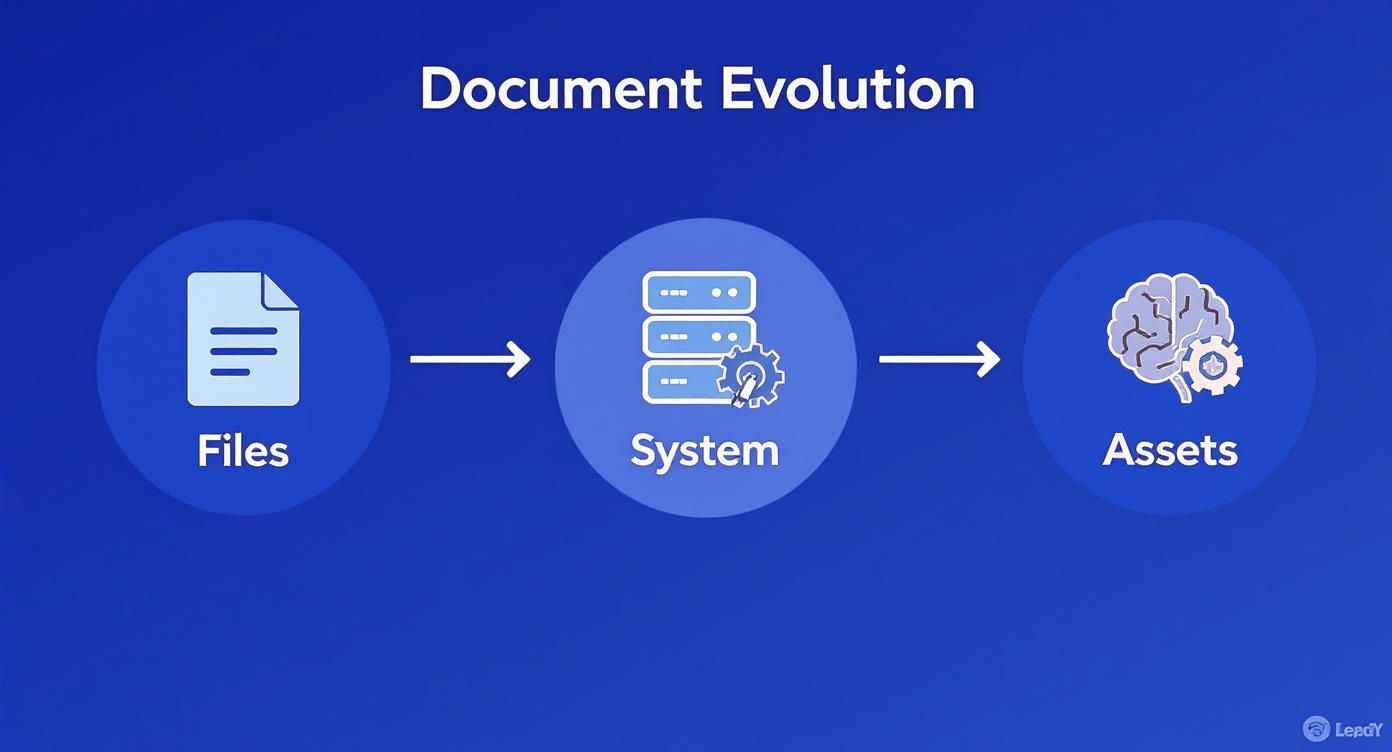
As you can see, the goal is to transform static files into active, intelligent assets that actually work for you.
Version Control: Your Document Time Machine
Have you ever worked on a critical report, only to have a colleague accidentally save an old version over your brand new one? It’s a gut-wrenching moment. Version control makes that nightmare a thing of the past. It automatically saves a full history of every single change, creating a clear, time-stamped log.
This feature is a lifesaver, letting you:
- Restore previous versions with a single click, instantly undoing mistakes.
- Compare different drafts side-by-side to see exactly who changed what, and when.
- Prevent conflicting edits by letting users "check out" a document while they work on it.
For a legal team wrestling with contracts or an engineering firm updating blueprints, this isn't just a nice-to-have. It’s fundamental.
Metadata: The Digital Fingerprint
If your documents are books in a massive library, metadata is the card catalog on steroids. It's the extra info you attach to a file—like author, creation date, client name, or invoice number—that gives it a unique identity. This "data about data" is the magic that makes one specific document findable among millions.
A smart metadata strategy is what separates a searchable archive from a digital landfill. It turns passive files into active, retrievable assets that fuel your business.
Without it, you’re just relying on confusing folder names and guesswork, a system that falls apart the moment you start to scale.
Advanced Search and Retrieval
Once your documents are tagged with good metadata, the advanced search feature becomes your superpower. This is way beyond simple keyword searching. Users can build complex, laser-focused queries to find precisely what they need in seconds.
For example, a finance manager could instantly find "all unpaid invoices over $10,000 from Q2 for the 'Phoenix Project' that are still pending approval." This kind of precision saves an incredible number of hours that employees would otherwise waste digging through folders. You can even take it a step further when dealing with long reports; tools that summarize PDF documents can pull out key information even faster.
Granular Access Controls
Not everyone in your company should see every file. Granular access controls let you define exactly who can view, edit, print, or share specific documents or folders. These permissions can be assigned based on a person's role, their department, or even their involvement in a specific project.
This is absolutely critical for a few reasons:
- Protecting sensitive information like HR records, financial data, and trade secrets.
- Ensuring regulatory compliance with rules like HIPAA or GDPR that have strict data privacy mandates.
- Preventing accidental data leaks by locking down access to only those who truly need it.
On-Premise vs. Cloud: Where Should Your Documents Live?
One of the first big decisions you'll make is where your document management system will actually live. This isn't a small detail—it shapes your budget, IT workload, and how your team accesses files every day. You essentially have two paths: keep everything in-house on your own servers (on-premise) or access it online through a provider (cloud-based).
Think of it like buying a house versus renting an apartment. The on-premise model is like owning the house. You're responsible for the foundation (servers), maintenance (your IT team), security (locks and alarms), and utilities (power and cooling). It takes a big upfront investment, but you get total control over every single detail.
A cloud solution, on the other hand, is like renting. You don't own the building or worry about fixing a leaky roof; you just pay a monthly fee to live there. This approach skips the massive down payment, making powerful tools accessible without needing a team of in-house experts to manage everything.
The On-Premise Approach: Total Control, Total Responsibility
Going with an on-premise setup means you buy the software licenses and install the entire system on servers inside your own buildings. Your IT team handles everything—the hardware, the software updates, security, and backups.
This gives you an unmatched level of control, which is a deal-breaker for companies in highly regulated fields like finance or healthcare that have strict data location rules. You can tweak the system endlessly to match your exact workflows. But that control comes at a steep price, including the initial purchase, ongoing hardware costs, IT salaries, and even the electricity bill. Growing can also be a headache, since adding more users or storage means buying and setting up more physical hardware.
The Cloud Advantage: Flexible, Fast, and Accessible
Cloud-based systems, usually sold as Software-as-a-Service (SaaS), have taken over for a reason. With this model, the vendor hosts everything on their secure servers, and you just log in through a web browser. The burden of maintenance, security, and updates shifts from your team to the provider.
The biggest wins here are financial flexibility and speed. Instead of one huge upfront cost, you pay a predictable subscription. Need to add 50 new users? Just change your plan—no new servers required. This agility is a game-changer, especially for growing businesses.
The market has already spoken. Cloud-based models now hold 68% of the market share and are growing by 17.4% every year. Why? They're more accessible and cost-effective, which has opened the door for businesses of all sizes to get the kind of document management power that was once reserved for huge corporations. You can read more about this industry shift and what it means for modern businesses.
So, how do you decide which is right for you? It's not about which is "better" but which fits your company's reality. The table below breaks down the key differences to help you weigh the pros and cons.
On-Premise vs. Cloud-Based EDMS: A Comparative Analysis
| Factor | On-Premise Solution | Cloud-Based Solution (SaaS) |
|---|---|---|
| Initial Cost | High (hardware, software licenses, facilities) | Low (setup fees, first subscription payment) |
| Ongoing Costs | Variable (maintenance, IT staff, energy, upgrades) | Predictable (fixed monthly or annual subscription) |
| Implementation | Slower (requires hardware setup, internal installation) | Faster (vendor handles setup, access via browser) |
| Scalability | Complex (requires purchasing new hardware) | Simple (adjust subscription plan as needed) |
| Control | Full control over data, security, and customization | Limited to vendor-provided options and settings |
| Accessibility | Limited to internal network or VPN | Accessible from anywhere with an internet connection |
| Maintenance | Handled entirely by your in-house IT team | Managed by the vendor (updates, security, uptime) |
| Security | Your team is solely responsible for all security | Shared responsibility, but vendor manages infrastructure |
In the end, the choice comes down to your organization's resources, security needs, and growth plans. If you have the IT muscle and a critical need for absolute control, on-premise might be the answer. But if you value speed, flexibility, and predictable costs, the cloud is almost always the smarter path forward.
The decision is less about which model is "better" and more about which one aligns with your organization's specific operational, financial, and security realities.
Building a Fortress Around Your Sensitive Data
In a world where a single data breach can cost a company millions, document security can't be an afterthought. It has to be baked into your operations from the ground up. An enterprise document management solution acts like a digital fortress, purpose-built to guard your most critical information against both outside attackers and internal slip-ups. It’s not about just locking files in a vault; it's about building an intelligent, multi-layered defense system.
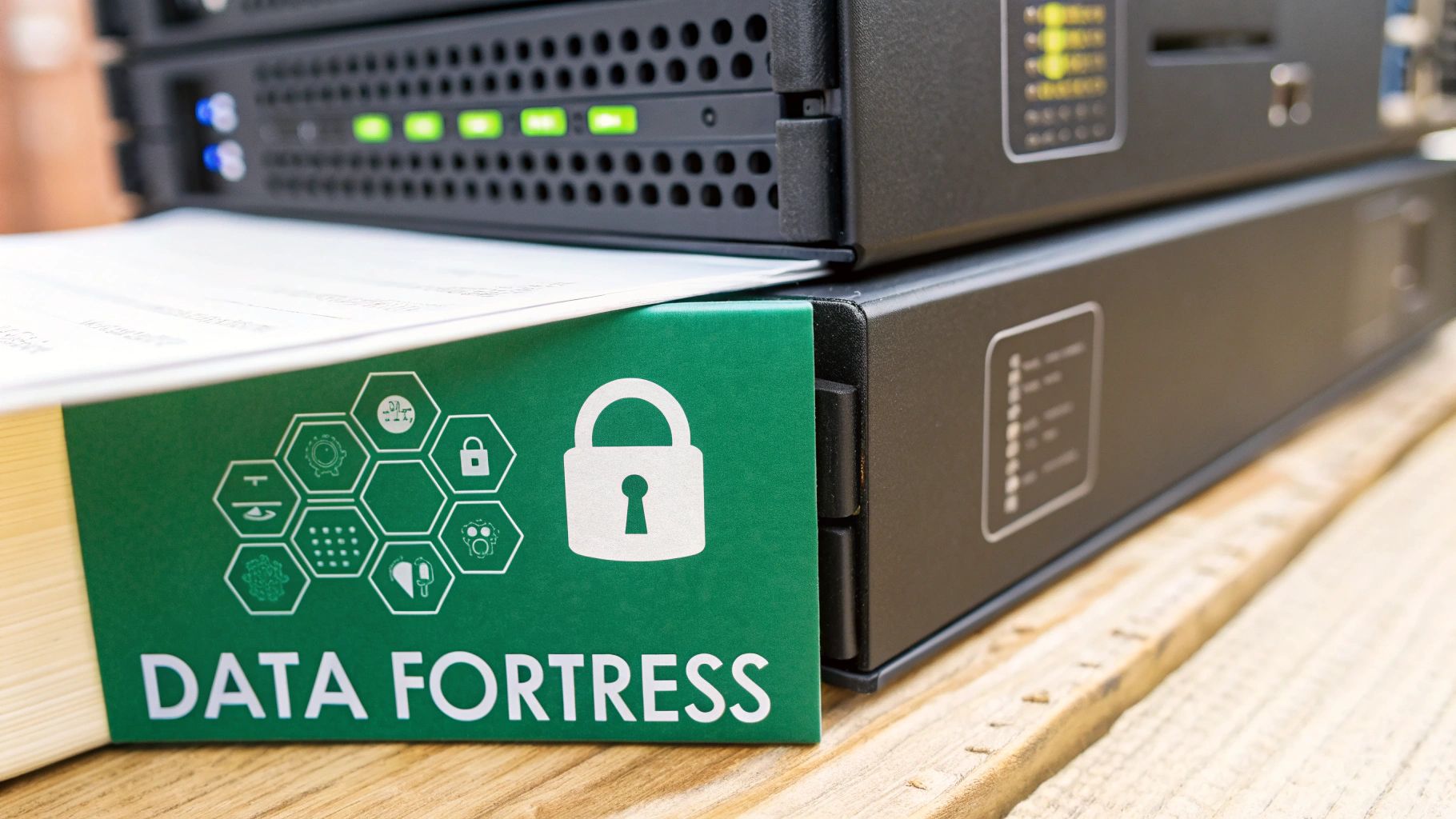
This protection starts with security measures that are always on, working 24/7. Think of them as the high walls and vigilant guards of your fortress, providing the first line of defense.
Essential Security Measures
Great security isn’t just one feature—it's a stack of technologies working in concert. A modern EDMS integrates these layers to keep data safe whether it’s sitting on a server or flying across the internet.
Key security pillars include:
- End-to-End Encryption: This technology scrambles your data, turning it into unreadable code for anyone without the right key. It protects information both "at rest" (stored on a server) and "in transit" (being sent from one place to another).
- Multi-Factor Authentication (MFA): Let's be honest, a simple password just doesn't cut it anymore. MFA forces users to provide a second piece of proof—like a code from their phone—to verify they are who they say they are.
- Detailed Audit Trails: Every single action taken on a document is logged permanently. From viewing and editing to downloading and sharing, you get a complete, unchangeable history of a file's entire lifecycle, which is invaluable for security investigations.
Beyond these built-in system guards, you can also add protection directly to your files. For a closer look at locking down individual documents, our guide shows you how to protect a PDF with a strong password.
From Security Features to Compliance Confidence
These security tools do more than just play defense. They are the essential building blocks for a rock-solid compliance strategy. Regulations like GDPR, HIPAA, and SOX have strict rules for handling sensitive data, and the penalties for getting it wrong are massive. An EDMS provides the framework you need to meet these demands systematically.
An enterprise document management solution transforms compliance from a stressful, manual scramble into a manageable, automated process. It provides the proof you need, precisely when you need it.
Imagine a financial firm facing a Sarbanes-Oxley (SOX) audit. The auditor wants proof that specific financial reports haven't been touched by unauthorized staff over the past year. Without an EDMS, that request would trigger a frantic search through scattered emails and server logs, with no guarantee of a complete or accurate record.
A Real-World Compliance Scenario
With an EDMS in place, the situation is completely different. The firm’s compliance officer can pull up the document's complete audit trail in seconds. This log shows every view, edit, and approval, all with timestamps and user details.
The system's automated retention policies also ensure the report is stored for the legally required time and then securely disposed of. The logs are immutable, proving the document’s history is tamper-proof. This turns a high-stakes audit into a routine, evidence-based check. The same logic applies to managing patient records under HIPAA or personal data under GDPR, helping you steer clear of costly fines and protect your company’s reputation.
Finding the Right Document Management Partner
Picking an enterprise document management system isn't like buying software off the shelf. It’s more like choosing a long-term business partner. The vendor you go with becomes part of your daily operations, shaping everything from team productivity to data security for years. A bad decision here can create more headaches than it solves.
That’s why you can’t rush this. The selection process needs to be thoughtful, deliberate, and laser-focused on your company’s unique DNA. It means looking past flashy features and getting to the heart of the business problems you need to fix. This work starts with a deep dive into your own processes long before you watch a single demo.
First, Figure Out What You Actually Need
Before you even think about looking at vendors, you need a crystal-clear picture of what success looks like for your organization. A classic mistake is letting a vendor’s sales pitch tell you what you need. Don't do it. Instead, map out your requirements with input from the people who will be in the system every single day.
Start by digging into these areas:
- Department Workflows: How does finance really process an invoice? What does the legal team’s contract review cycle look like from start to finish? Document these specific, real-world steps.
- Integration Needs: List the essential systems the DMS has to talk to. Does it need to pull customer info from your CRM? Does it need to sync financial records with your ERP? Get specific.
- User Experience: Bring end-users into the conversation early. A system can have all the power in the world, but if it's a pain to use, people will find workarounds, and the whole project will stall.
A great partner provides a solution that molds to your business, not one that forces your business to twist itself into knots to fit some rigid piece of software. If a vendor doesn’t ask deep questions about your workflows, that’s a huge red flag.
How to Evaluate Potential Vendors
Once you’ve documented what you need, you can start evaluating vendors with a clear scorecard. This structured approach helps you compare different solutions objectively and see past the marketing hype to what they can actually do. A solid evaluation looks at more than just the software, though.
Focus on three key pillars: the tech, the company’s expertise, and the quality of their support.
1. Can the Platform Scale and Bend? Your business isn’t static, and your DMS shouldn't be either. Ask potential vendors how their system handles a sudden spike in data volume or a big increase in users. How easy is it to add new features or tweak a workflow without calling in a team of developers? A scalable platform ensures your investment is still paying off years down the road.
2. Do They Have Proven Industry Chops? A vendor who already gets your industry is worth its weight in gold. If you’re in healthcare, do they have real-world experience with HIPAA compliance? For finance, are they experts in SOX and FINRA regulations? This kind of specialized knowledge often translates into pre-built templates and compliance features that save you a ton of time and reduce risk.
3. What’s Their Support and Training Really Like? Even the slickest system will hit a snag eventually. Find out what a vendor’s reputation for customer service is really like. What are their standard response times? Do they offer solid training resources to get your team up and running from day one? Don’t just take their word for it—ask for references and read case studies to see how they perform when things go wrong.
Transforming Workflows Across Your Organization
To really get what enterprise document management solutions are all about, you have to see them in action. The real magic isn't in a long list of features—it's in the day-to-day transformation of how people actually get work done. Let's move past the theory and walk through a few "before and after" stories from teams on the ground.
These examples show how a single, central system can fix specific, expensive problems and unlock a whole new level of efficiency. It’s about ditching chaotic, manual tasks for smooth, automated workflows that free up your best people to focus on what really matters.
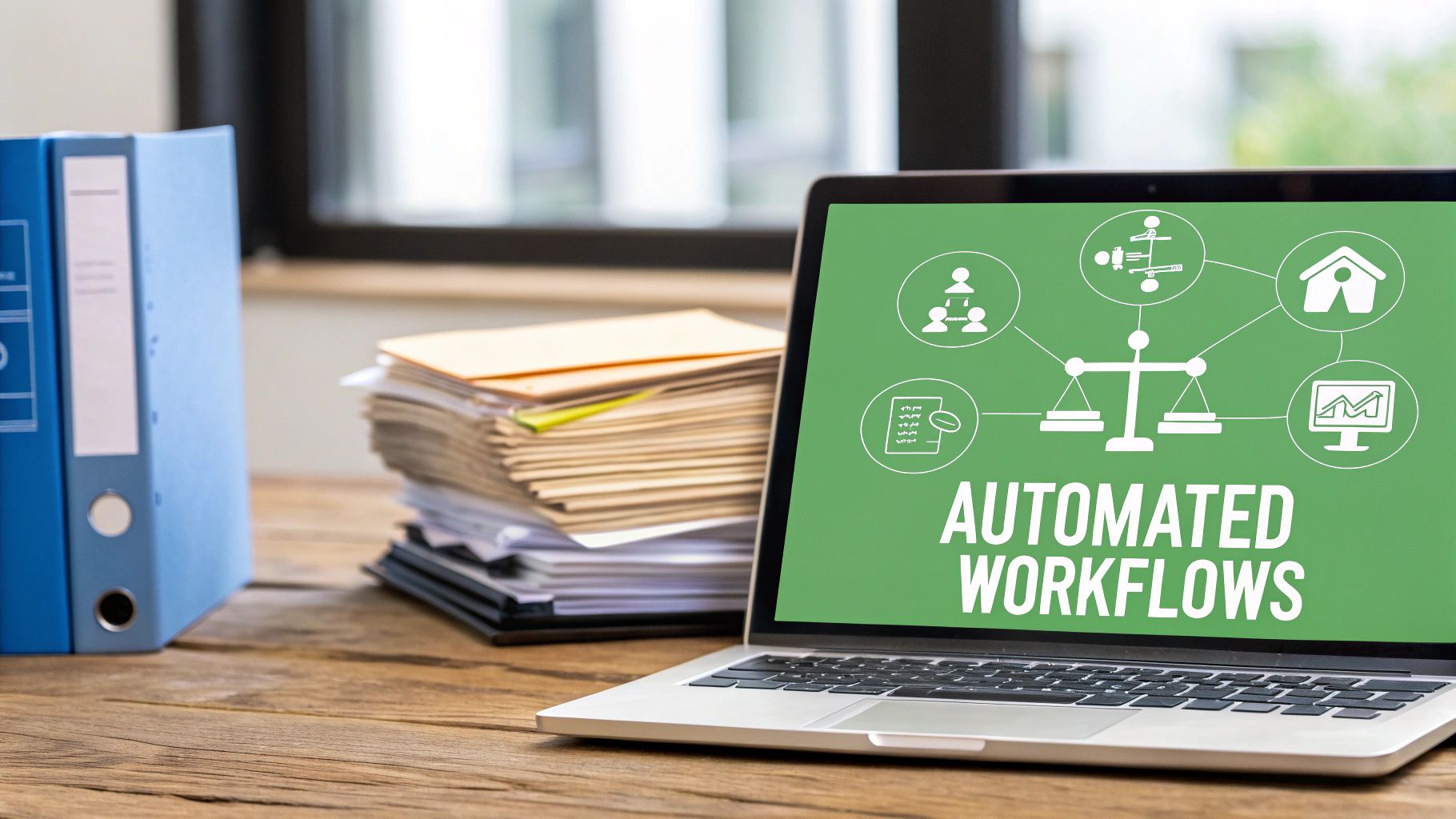
This isn’t just about convenience; it’s about fixing a massive, widespread problem. Research shows that 46% of workers can’t find the information they need to do their jobs, and an incredible 97% of organizations are held back by broken document processes. You can find more stats on these workplace headaches over at globalhrcommunity.com.
Human Resources: From Paper Piles to People Focus
Before EDMS: Picture an HR manager, Sarah, onboarding a new hire. It’s a paper storm: employment contracts, tax forms, benefits enrollment, policy sign-offs. Every single document has to be printed, signed, scanned, and then manually filed away, with copies routed to payroll and the new employee's manager. One tiny mistake on a form, and the whole thing grinds to a halt, making for a pretty terrible first impression.
After EDMS: The entire onboarding process is now automated. The new hire gets a digital welcome packet with forms they can fill out and sign electronically.
- As soon as they're signed, the documents are automatically sent to the right departments.
- The system instantly creates a secure, digital employee file with all the paperwork neatly organized.
- Sarah gets a notification that it's all done, so she can focus on actually welcoming the new employee instead of chasing signatures.
The result? A faster, cleaner, and more professional onboarding experience that cuts administrative busywork by hours for every single new hire.
Legal: Navigating Contracts with Confidence
Before EDMS: The legal department is swimming in different versions of contracts. A crucial sales agreement is floating around in multiple drafts across a dozen email chains and people's hard drives. The lead counsel, David, has no idea which version is the absolute latest, creating a huge risk of sending an old draft to a client. This confusion doesn't just slow down deals—it opens the door to serious compliance nightmares.
After EDMS: Now, every contract lives in one central, secure place with strict version control. When a lawyer checks out a contract to make edits, the system locks it down so no one else can make conflicting changes at the same time.
The platform becomes the single source of truth for all legal agreements, eliminating version chaos and providing a clear, auditable history of every change, comment, and approval.
David can see the entire revision history, compare different versions side-by-side, and send the final, approved draft for signature without a second thought. This doesn't just speed up the sales cycle; it builds an ironclad audit trail for compliance, turning a high-stakes guessing game into a controlled, transparent process.
Finance: Streamlining Invoice Approvals
Before EDMS: The finance team spends a huge chunk of its week just chasing down physical invoices. An invoice comes in, gets manually typed into the accounting system, and then someone has to literally walk it over to a department head for a signature. If that manager is out of the office, the invoice just sits on their desk, leading to late payment fees and angry vendors.
After EDMS: The whole accounts payable process is now digital. Invoices are scanned or emailed in, and the system uses optical character recognition (OCR) to automatically pull out key info like the vendor name, invoice number, and amount due.
From there, an automated approval workflow kicks in, sending the invoice digitally to the right manager. They can review and approve it from their phone, tablet, or laptop, no matter where they are. This automation slashes processing time, gets rid of late fees, and gives the CFO a real-time view of cash flow.
Frequently Asked Questions
Even with a solid grasp of the features, you probably still have a few questions. That's normal. Investing in a new company-wide system is a big deal, and it pays to get the details right. Here are some quick, no-nonsense answers to the questions we hear most often.
What Is the Biggest Challenge of EDMS Implementation?
It’s almost never the technology—it's the people. The single biggest hurdle is getting your team to actually stop doing things the old way and start using the new system. You can have the best software in the world, but if people keep saving files to their desktops, you've wasted your money.
A successful launch isn't about a one-off training session. It’s about smart change management. Start with a pilot program in one department to create a success story. Show everyone how it makes their specific jobs easier. Clear communication is everything. Overcoming that natural resistance to change is what separates a successful implementation from a failed one.
How Is the ROI of a Document Management System Calculated?
You measure the return on your investment in two ways: hard savings and soft savings. The hard savings are the easy ones to spot on a spreadsheet.
- Hard Savings: Think of everything you'll stop buying. This includes paper, ink, printers, file cabinets, and those expensive off-site storage units.
- Soft Savings: This is where the real value lies, though it's a bit harder to quantify. It’s the massive productivity boost from finding a document in 10 seconds instead of 10 minutes. It's making better decisions because you have the right info, right now. It's also about avoiding hefty fines for non-compliance.
Want a concrete number? Track how much time your team spends searching for documents before you implement the system. Multiply those wasted hours by their wages. That figure alone often justifies the entire investment.
How Is AI Changing Enterprise Document Management?
Artificial intelligence is turning document management from a simple digital filing cabinet into an active, thinking assistant. This isn't some far-off future tech; it's happening right now and making these systems incredibly powerful.
Instead of you manually tagging a file, AI can look at an invoice, automatically identify the vendor, pull the invoice number, and tag it with the due date—all without a human clicking a button. This intelligence goes beyond simple tasks. It allows you to search for concepts, not just keywords. You could search for "all contracts up for renewal in Q3" and the system understands what you mean. AI is what makes the platform smart enough to work for you.
Ready to take control of your document workflows? While PDFPenguin focuses on simplifying your day-to-day PDF tasks, the principles of organization, security, and efficiency are universal. Streamline how you handle individual files by trying our suite of free, browser-based tools at https://www.pdfpenguin.net.